Developer community
Compare the group or community ID and creator name with the official game listing before joining. Open Mr Chow Studios.
Discord
No official Discord invitation has been verified. Start from the Roblox Social / Communities section rather than guessing an invite or using one from a comment.
Match the creator before you join
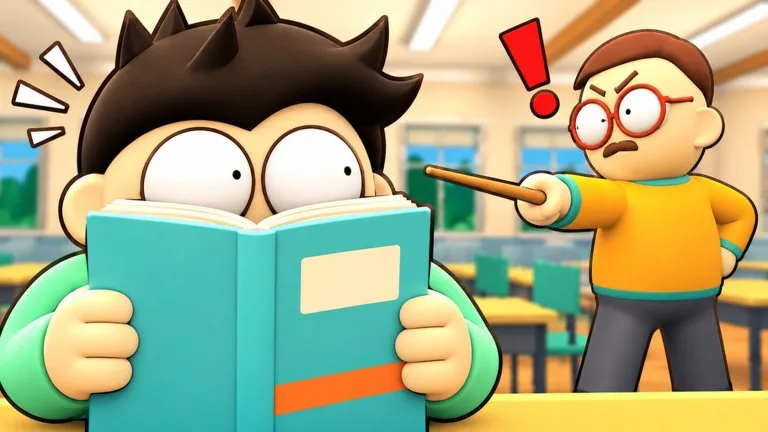
The experience name is Class Clowns, with a clown emoji on the Roblox title. Place ID 128447145965727. Universe ID 10773282691. The creator on the games record is Mr Chow Studios, group 36054379, and that creator has a verified badge. A thumbnail that does not show this group is a different game.
- Play
Join steps and what to do if the button fails.
Mr Chow Studios group
The group page is the developer entry confirmed by the games record. Use it to check that a shout or a related experience comes from the same creator. A similar studio name on another group is not this badge.
- Mr Chow Studios
Roblox group 36054379.
Social links that are not listed
No official Discord invite, Trello board, or X account was posted on the experience description or confirmed from the group during this pass. One code article tells players to join a Discord and does not give a URL. Do not follow a DM that offers that invite in exchange for a login. If Mr Chow Studios later prints an invite on the game page or the group wall, that page is the source to trust.
Like and Favorite
The official description asks players to Like and Favorite the experience so Roblox can surface new updates. That is the notification path the developer named. It is not a third-party newsletter.